◀ BACK TO STUDIO HOME
RETRO ARCADE ONLINE 1 VS 1 FREE · NO ADS

PingPong

THE RETRO SPACE ARENA CHAMPIONSHIP!

The arcade duel that started it all, on a green phosphor CRT screen. Beat the CPU in a quick match or challenge a friend online with a 4-digit code. First to 10 points wins.

ANDROID · PHONES & TABLETS · EN / ES
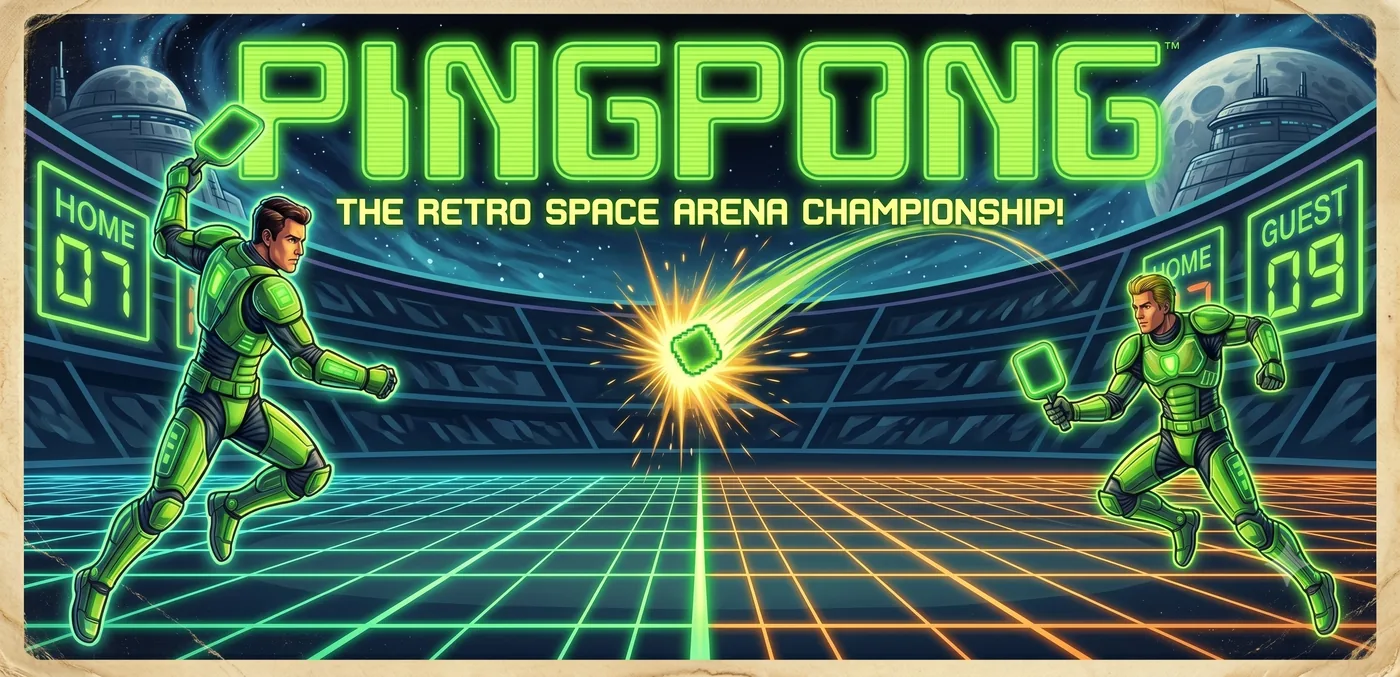
PingPong key art: two armored players face off in a neon space arena

▶ THE GAME

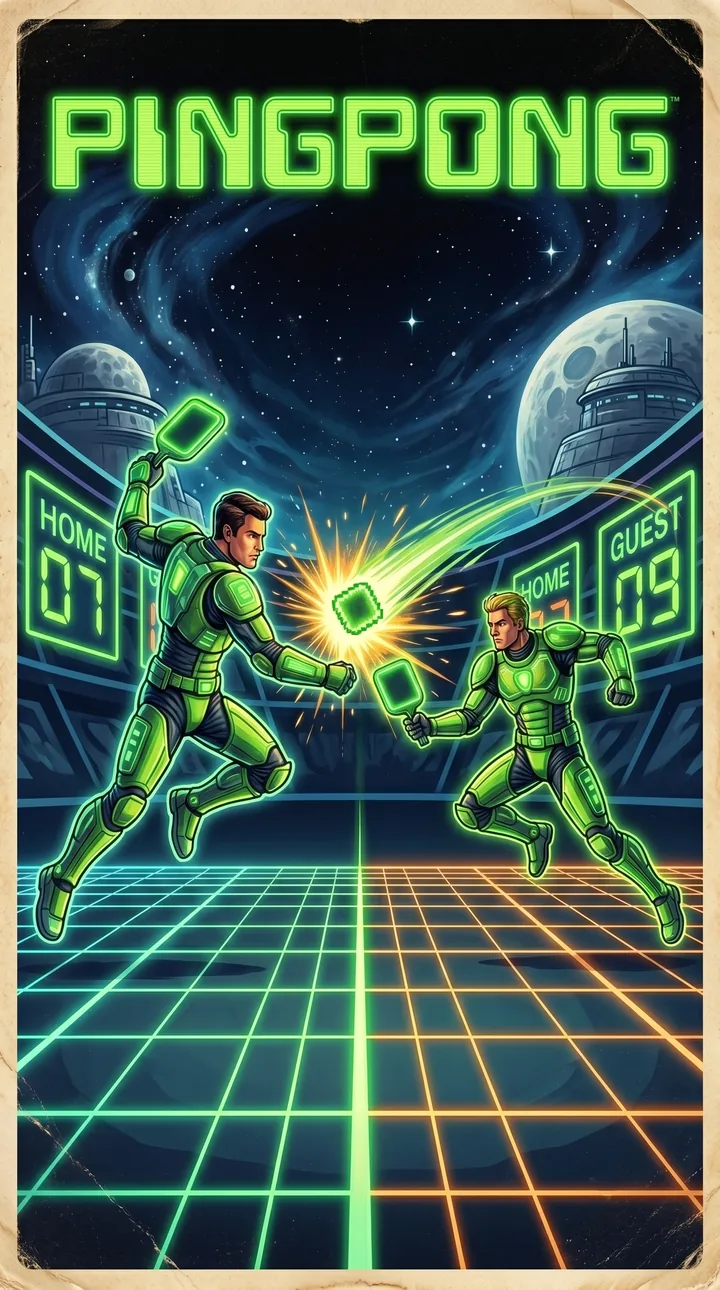
PingPong cover art in the style of a retro arcade poster

Two paddles, one ball and nothing in between.

PingPong brings back the arcade duel that launched the video game era, played on a vertical court made for your phone. The screen glows like an old phosphor monitor, the ball leaves a trail of light and every bounce answers with an 8-bit beep.

The rules fit in one line: return the ball and do not let it past you. Mastering the angles, and keeping up as the ball speeds up, is another story.

▶ KEY FEATURES

A REAL CRT FEEL

Scanlines, screen flicker and a phosphor glow that leaves a trail behind the ball, just like the monitors of the 70s.

SOLO VS THE CPU

Tap PLAY NOW and you are in a match in seconds. First to 10 points wins.

ONLINE 1 VS 1

Challenge a friend on their own phone with a 4-digit code. Each player always sees their paddle at the bottom.

ONE-THUMB CONTROLS

Drag anywhere on the screen to move your paddle. It moves at double speed, so small gestures cover the whole court.

GREEN OR WHITE PHOSPHOR

Switch between the classic green monitor and a black-and-white TV look. Your choice is remembered.

NO ADS, NO ACCOUNTS

Free to play, with no ads and nothing to sign up for. If you enjoy it, you can leave the developer an optional tip.

▶ SCREENSHOTS

▶ HOW TO PLAY

You will pick it up in seconds. Here is everything you need for your first match.

  1. PICK A MODE

    PLAY NOW starts a match against the CPU. PLAY WITH A FRIEND opens the online multiplayer screen.

  2. MOVE YOUR PADDLE

    Your paddle is always the one at the bottom. Drag your finger left and right anywhere on the screen to move it.

  3. AIM WITH THE EDGES

    Where the ball hits your paddle sets its angle: the center sends it straight, the edges send it sharply to the side. Every hit makes it a little faster.

  4. FIRST TO 10 WINS

    Let the ball past your paddle and your rival scores. The serve alternates after every point, with a READY? 3-2-1 countdown before each one.

PLAYING ONLINE WITH A FRIEND

  1. Both players open PingPong and tap PLAY WITH A FRIEND.
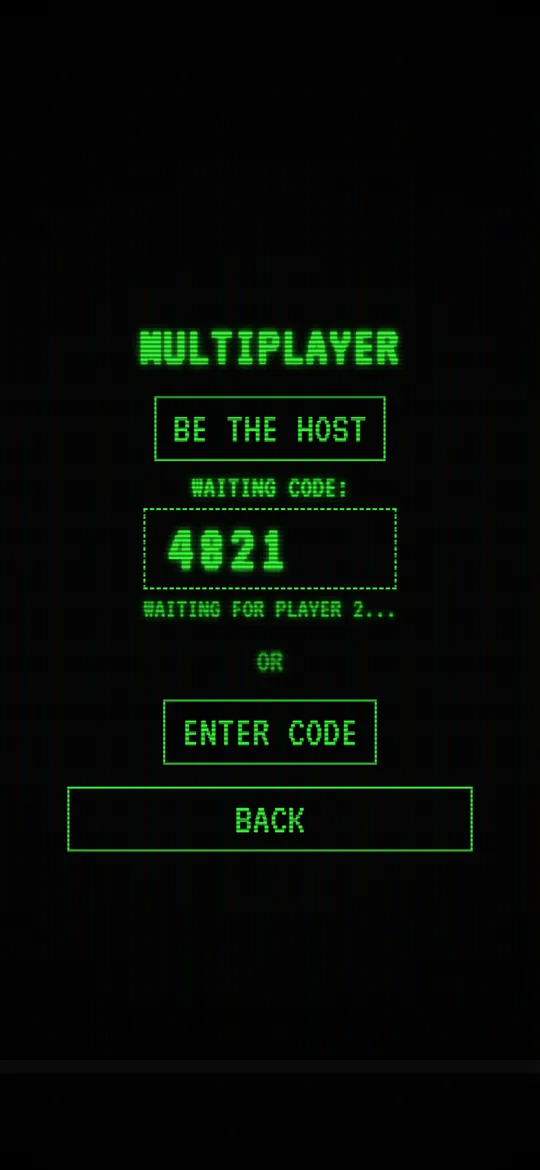
  2. One of you taps BE THE HOST. The screen shows a 4-digit code.
  3. The other taps ENTER CODE, types those 4 digits and taps CONNECT.
  4. Once connected, the match starts by itself. Each of you sees their own paddle at the bottom.

Both devices need an internet connection. During a match, the back button pauses the game for both players.

Multiplayer screen showing a 4-digit code while waiting for player 2

SETTINGS

COLOR
Green phosphor or white monochrome.
MUSIC
Turns the synth menu music on or off.
SFX
Turns the 8-bit bounce beeps on or off.
LANGUAGE
English or Spanish, switchable at any time.

TIPS

▶ FREQUENTLY ASKED QUESTIONS

Is PingPong free?

Yes. It is free to download and play, with no ads. The SUPPORT THE DEVELOPER button lets you leave an optional tip, and it does not unlock anything: the whole game is available from the start.

Can two people play on the same phone?

No. Two-player matches are played online, each on their own device, using a 4-digit code. You can be in the same room or far apart.

Do I need an internet connection?

To play against a friend, yes: both devices need to be online to connect. Matches against the CPU are played entirely on your device.

Do I need an account?

No. There is no sign-up or login, not even for online matches: the 4-digit code is all you need.

What happens if the connection drops?

The match ends and you go back to the main menu with a CONNECTION LOST message. Just pair up again with a new code.

How do I pause?

Press your phone's back button during a match. You can then resume or exit to the menu. In online matches, your rival sees that you paused.

Does it work on tablets?

Yes. The court adapts to the shape of any screen, from small phones to large tablets.

What languages is it available in?

English and Spanish. You choose the first time you open the game, and you can change it later in SETTINGS.

Think you can beat the CPU?

Download PingPong for free and find out. No ads, no sign-up.

GET IT ON Google Play